
You have seen the pitch: “make money from your couch.” Most versions of it want your money first — inventory, courses, starter kits. Digital products are the honest version of the promise. You create the thing once, sell it a thousand times, and there is no box to ship, no stock to hold, and no supplier to chase. Here are five you can realistically build with the skills you already have.

What Counts as a Digital Product (and Why the Margins Are Absurd)
A digital product is anything a customer downloads or accesses online: templates, planners, printables, guides, presets, spreadsheets. The defining trait is that it costs you nearly nothing to deliver one more copy. A physical product that costs $8 to make and ship keeps maybe $12 of a $20 sale. A $20 digital product keeps roughly $19.
That margin is the whole game. You do not need thousands of customers. Twenty sales of a $25 template is $500 — the same as a weekend of overtime, except you made the template once, on a Tuesday night, and it keeps selling while you sleep. It will not make you rich by Friday. It is one of the few side incomes with genuinely zero marginal cost and zero inventory risk.
5 Digital Products You Can Actually Make
1. Budget and finance spreadsheets
You already know what people search for: budget trackers, debt payoff planners, savings challenges. If you have ever built a spreadsheet that works, someone will pay $9–$29 to skip building it themselves. Start with the problem you personally solved — the tracker you actually use is the product with the best marketing, because you can show your own results.
2. Printable planners and checklists
Daily planners, meal-prep sheets, cleaning schedules, wedding checklists, moving checklists. The market is crowded, which tells you the demand is real — the winners are not the prettiest designs, they are the most specific ones. “Weekly meal planner” drowns. “Meal planner for a family of five under $150 a week” finds its buyer.
3. Resume and cover-letter templates
Every job hunt season sends thousands of people searching for a resume that does not look like everyone else’s. A clean, modern template pack with three layouts and a short guide on tailoring bullet points sells for $12–$25, and the customer pool refreshes itself every graduation season and every layoff wave.
4. Lightroom presets and phone photo filters
If your photos consistently get compliments, package the look. Presets are tiny files with enormous perceived value — a $19 preset pack that makes phone photos look film-grade sells to an audience that will never touch manual editing. Before-and-after images do all the selling.
5. Short how-to guides (the 30-page kind, not the 300-page kind)
Nobody wants another 300-page ebook. A focused 30-page guide that solves one painful problem — “price your first freelance project,” “pack for two weeks in a carry-on,” “set up a home budget in an afternoon” — outperforms the doorstop every time. Write the guide you wish existed when you had the problem.
Real Numbers: What Your First $500 Looks Like
Here is the honest math for a $19 budget-tracker template:
- Price per sale: $19
- Platform fee (~10% on marketplaces like Etsy or Gumroad): −$1.90
- Payment processing (~3%): −$0.57
- You keep: ~$16.50 per sale
- Sales needed for $500: 31
Thirty-one sales. That is not viral — that is one Pinterest pin doing modest work for a month, or a dozen genuine comments in the right Facebook group, or a single TikTok that finds its audience. The first product is the slow one because you are learning the listing, the keywords, and the thumbnail. The second product reuses everything.
The time math matters too: 10–15 hours to build and list a solid template, then roughly an hour a week answering buyer questions. Compare that with 10–15 hours of overtime every single month to earn the same $500. The digital product front-loads the work and then pays you back on a schedule you control.
5 Mistakes That Kill Digital Product Launches
1. Building what you want to sell instead of what people search for. Before you make anything, search your idea on Etsy and Pinterest. If nobody is selling something adjacent, that is usually a warning, not an opportunity — it means nobody is buying.
2. Pricing at $3 to “get sales.” Low prices do not create demand; they signal low value and attract the most demanding customers. Price in the $9–$29 range for templates and printables. You can always run a sale — you cannot easily raise a price your early buyers anchored at $3.
3. Skipping the preview images. Buyers cannot touch a digital product, so the listing images are the product. Show every page, every tab, every layout. Blurry screenshots are the number-one reason good products sit at zero sales.
4. Listing it and waiting. “Passive income” still needs a traffic source. One product with zero promotion is a file on your hard drive. Pick one channel — Pinterest, TikTok, or a niche community — and drive thirty days of consistent attention at it before judging the idea.
5. Perfecting instead of publishing. Your first template will embarrass you in a year, and that is fine. The sellers making real money have ten mediocre products, not one perfect one. Ship the good-enough version, learn from real buyers, improve version two.
The 7-Day Launch Checklist
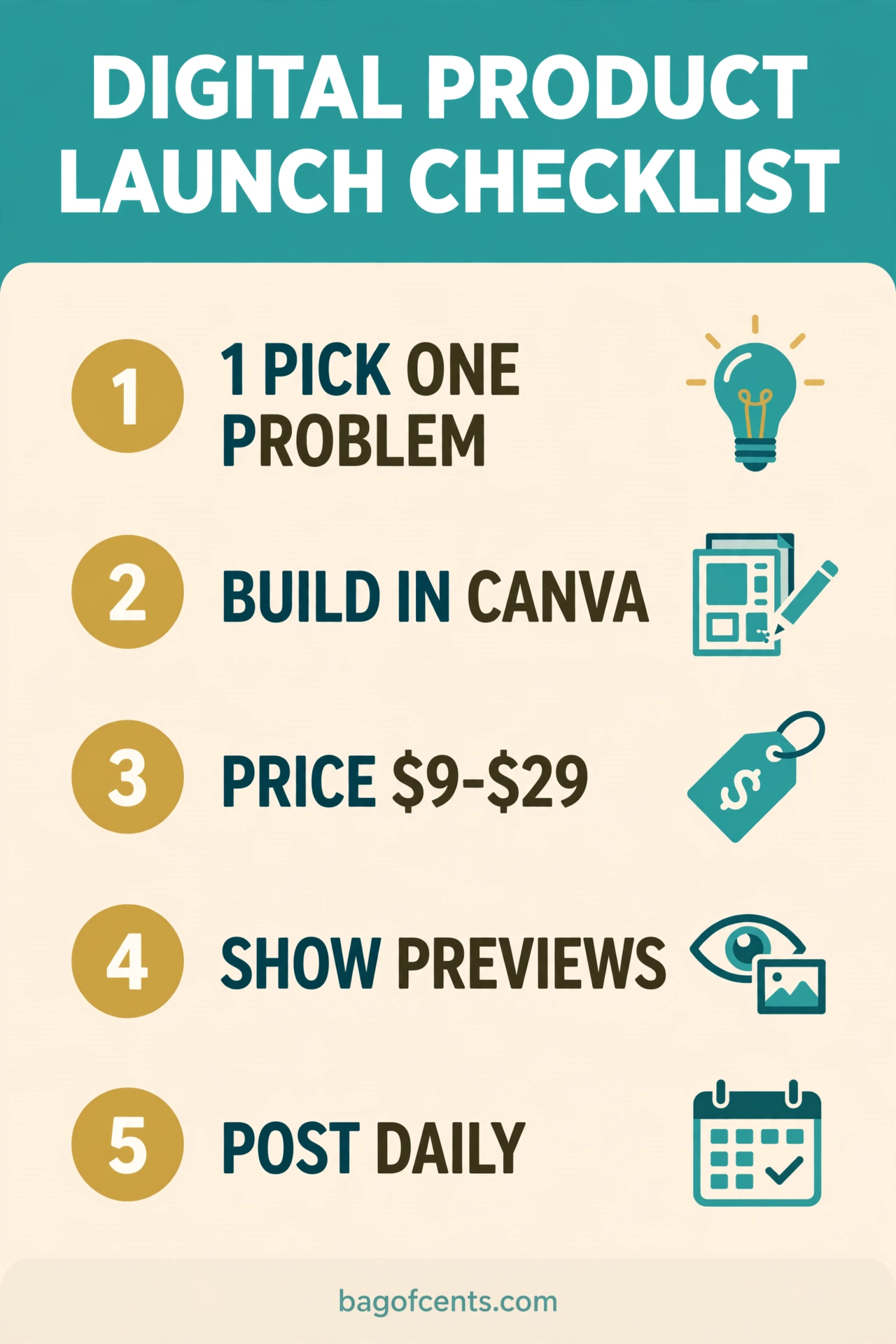
Day 1–2: Pick one product from the list above — the one closest to a problem you have personally solved. Sketch every page or section on paper first; the paper version reveals gaps the screen hides.
Day 3–4: Build it in Google Sheets, Canva, or Docs — free tools are fine. Keep it clean and simple; buyers pay for clarity, not decoration.
Day 5: Write the listing like a buyer thinks: the exact problem it solves in the first line, what is inside (count the pages/tabs), who it is for, and what they will have after using it. Five or more preview images, every one sharp.
Day 6: Price it between $9 and $29. List it on one marketplace (Etsy for printables, Gumroad for digital downloads) and put the same offer on a simple page you control.
Day 7: Publish one piece of content that demonstrates the product solving the problem — a 30-second screen recording beats a paragraph of copy. Then start the thirty-day traffic habit: one pin, one post, or one comment thread a day pointing at the thing you built.
Digital Products: FAQ
Do I need a website to sell digital products?
No. Marketplaces handle payments, delivery, and most of the trust problem. A website helps later, when you have several products and want the full margin — but product one should live where the buyers already are.
How much does it cost to start?
Effectively zero if you use free tools (Google Sheets, Canva’s free tier) and a marketplace with no listing fee. The real cost is 10–15 hours of your time building something genuinely useful.
What if someone copies my product?
They will try, and it will matter less than you fear. Copies compete on price; originals compete on specificity and trust. Keep improving yours, collect real reviews, and the copycats stay one version behind forever.
Is the market too saturated?
The generic market is saturated. The specific market is wide open. “Budget planner” has ten thousand listings; “budget planner for Canadian couples with irregular income” has a handful. Specificity is the moat — the narrower the buyer, the easier the sale.
Final Thought
The best digital product is the solution to a problem you have already solved for yourself, packaged for the person you were a year ago. You do not need a business degree, startup capital, or a warehouse — you need one useful file and the willingness to put it in front of thirty-one strangers. Build it this week. Your future self, the one with the side income, is waiting.
Liked this? Take it further.
Grab the free 52-Week Savings Challenge Tracker — the printable that turns $1 a week into $1,378 a year, with a box for every deposit so you never lose momentum.
Join the Bagofcents weekly money tips email. Unsubscribe anytime.
Happy Budgeting!
Stanley
Keep Reading
- 12 Side Hustles That Actually Pay — https://bagofcents.com/side-hustles-extra-500-a-month/
- Build a Budget Tracker Spreadsheet in 15 Minutes — https://bagofcents.com/build-budget-tracker-spreadsheet/
- The Stillness Tax: What If You Never Invest — https://bagofcents.com/stillness-tax-never-invest/
- Stop Lifestyle Inflation: Keep More of Every Raise — https://bagofcents.com/stop-lifestyle-inflation/
Leave a Reply