
Intro
Somewhere in your bank statement right now, there is a charge for something you haven’t used in months. You know it’s there. You’ve thought about cancelling it twice. And every month, it quietly takes its cut — $9.99 here, $16.99 there — while your budget plan pretends everything is under control.
This is the subscription trap, and almost everyone is in it. Streaming services, music apps, cloud storage, fitness apps, meal kits, software, news sites, gaming, meditation apps you downloaded with real intentions in January. Each one felt small when you signed up. Added together, they are one of the biggest silent budget leaks in the average household.
Here’s the good news: this is the easiest money you will ever “earn.” You don’t need a side hustle or a raise. A proper subscription audit takes about 45 minutes, and the typical result is $30 to $50 a month back in your pocket — $400 to $600 a year — for doing nothing except cancelling things you weren’t using anyway.
This guide walks you through the full 5-step subscription audit, with real numbers, the exact cancellation scripts, and the mistakes that make people quit halfway.
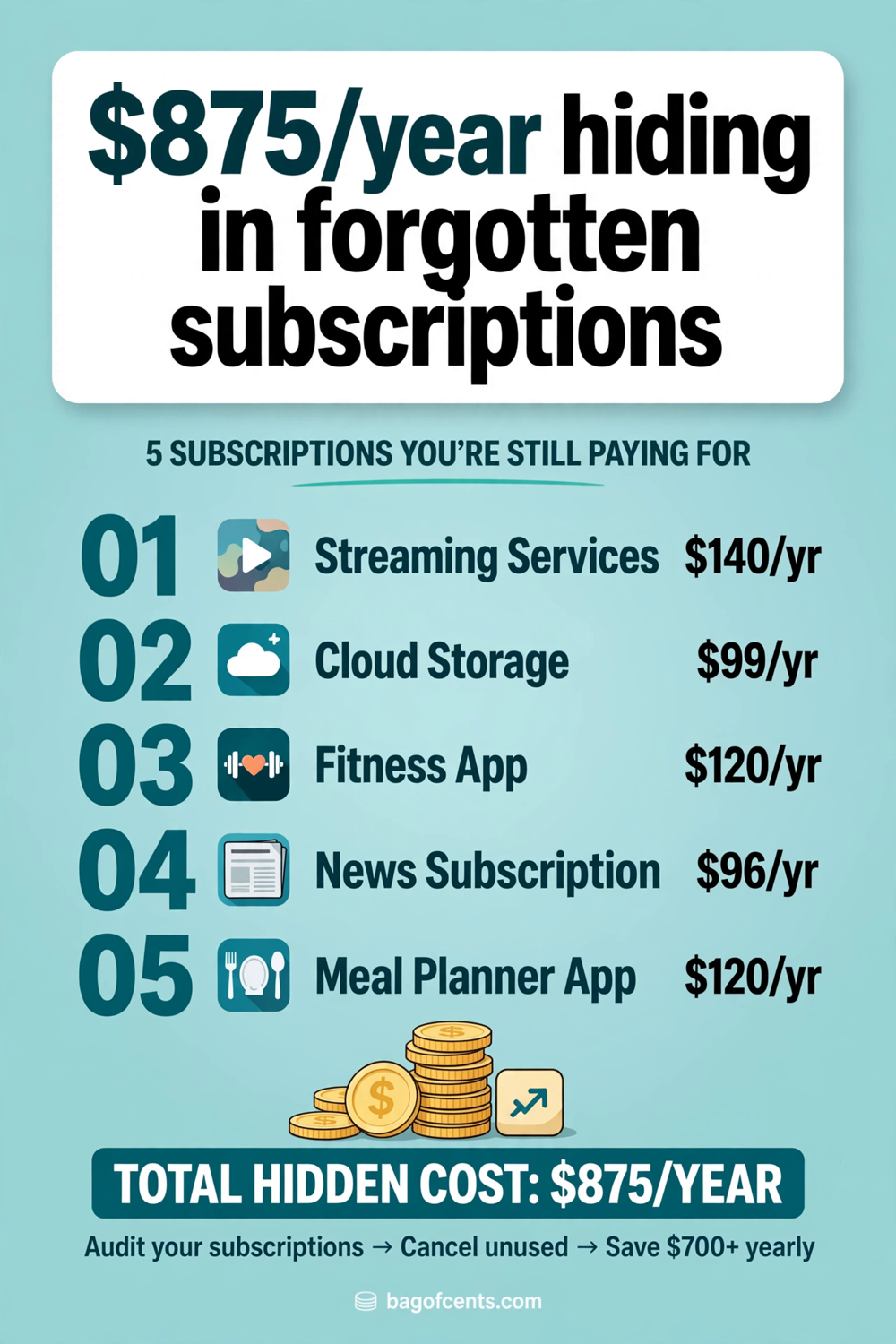
What Is a Subscription Audit?
A subscription audit is a systematic review of every recurring charge hitting your accounts. Not a glance — a line-by-line sweep of your bank statements, credit card statements, and app-store purchase history, so nothing hides.
The reason it works is that subscriptions are designed to be forgotten. Companies price them low enough that no single charge triggers alarm, bill them automatically so you never make a conscious decision to pay, and make cancelling just difficult enough that “I’ll do it later” wins. The audit breaks that cycle by forcing every subscription to justify itself, one by one, on a single day.
Think of it as a performance review for your money. Every subscription is an employee. If one isn’t doing its job, it’s gone.
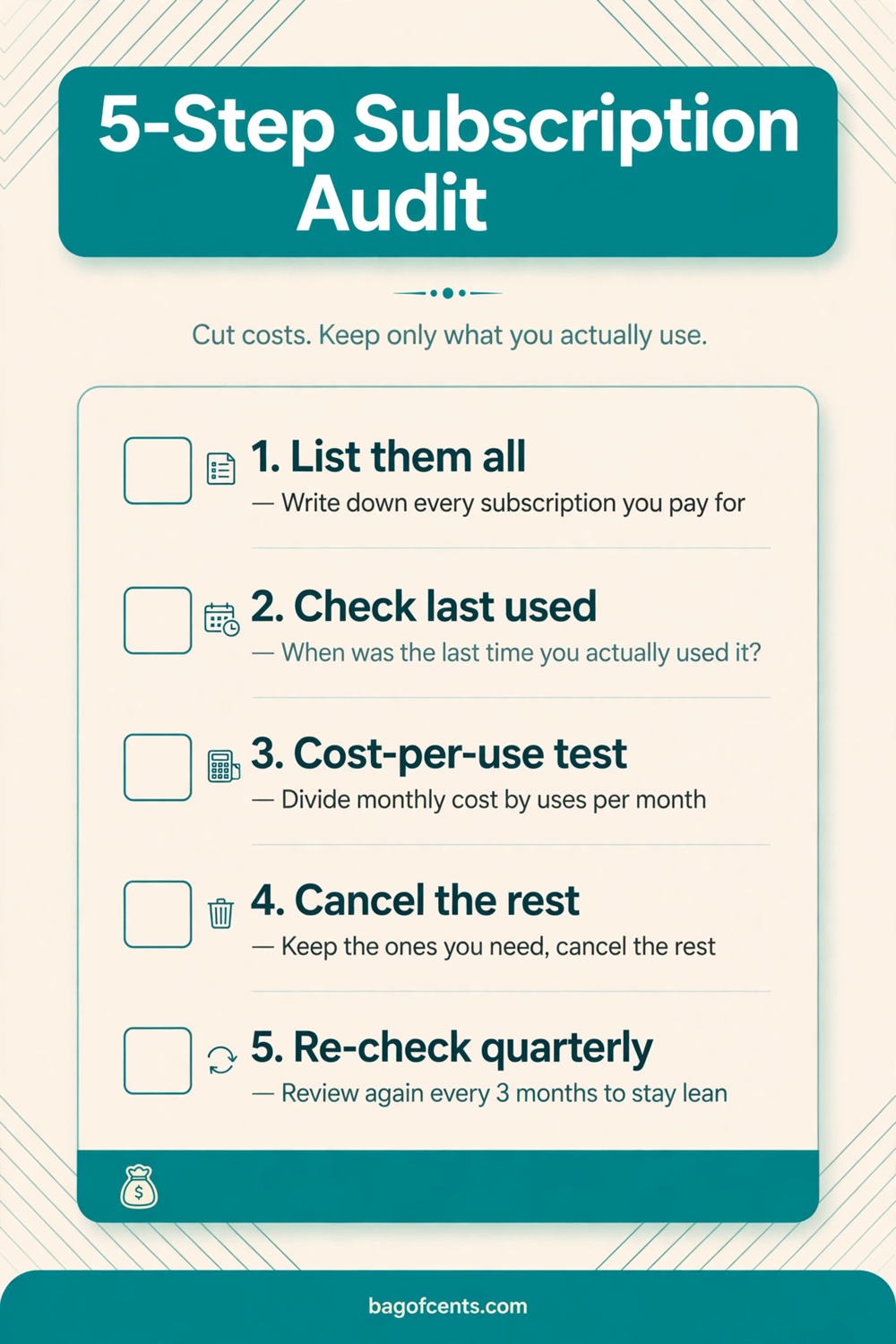
The 5-Step Subscription Audit
Step 1: List Everything (20 minutes)
This is the detective work, and it’s the step most people skip — which is why most people underestimate their subscription spending by half.
Pull up 90 days of statements for every account that touches your money: chequing, credit cards, PayPal, Apple ID, Google Play. Scroll through and write down every recurring charge. All of them. The big obvious ones (streaming, phone plan) and the sneaky ones ($2.79/month cloud storage, the $6.99 app you bought in 2024).
Pro tip: search your email for the words “receipt,” “subscription,” “renewal,” and “free trial.” Trial conversions are where the sneakiest charges hide — the free month that silently became a paid year.
Put it all in one list. A notes app is fine. For each item, record: name, amount, billing frequency, and what card or account it hits.
Step 2: The Cost-Per-Use Test (10 minutes)
Now the judgement round. For each subscription, answer one question honestly: how many times did I use this in the last 30 days?
Then do the cost-per-use math:
- Streaming service at $16.99/month, watched 8 times: $2.12 per use. Reasonable.
- Gym membership at $45/month, visited twice: $22.50 per workout. Absurd.
- Music app at $11.99/month, used daily: $0.40 per use. Keep.
Set your line. Anything over about $5 per use that isn’t bringing you real joy goes on the chopping block. Anything you used zero times in 30 days is an automatic cancel — no debate, no “but I might need it.”
This is where the audit earns its keep. Most people find at least two subscriptions they forgot existed. Those are pure profit.
Step 3: Cancel Ruthlessly, Downgrade Smart (10 minutes)
Cancel the dead weight today, not tomorrow. Open each app or site and cancel now — most take under three minutes, and many services keep working until the end of the billing period, so you’re not losing anything you paid for.
For the keepers, look for downgrades:
- Annual vs. monthly: if you genuinely use something year-round, annual billing usually cuts 15-20%. But never switch a maybe-subscription to annual — that’s how $200 charges ambush you.
- Family and shared plans: a family streaming plan split four ways is often cheaper per person than two individual plans. Same for music and cloud storage.
- Tier drops: do you actually watch in 4K on three screens? The mid-tier plan is usually indistinguishable in real life.
One rule: never cancel something and immediately replace it with a “better” subscription. The audit only works if the list gets shorter.
Step 4: The Cancellation Script (5 minutes)
Some companies make cancelling a phone call. Here’s the script that ends those calls in under five minutes:
“Hi, I’d like to cancel my subscription, effective today. No, I don’t want a pause or a discount — please just process the cancellation and confirm the confirmation number.”
That’s it. Repeat as needed. Retention agents are trained to offer you deals — and sometimes those deals are genuinely good (a 50% discount for three months is worth taking on something you use). But decide your price before the call. If the offer beats your cost-per-use line, take it. If not, stay on script.
And watch for the dark patterns: the “are you sure?” screens, the downgrade-to-free-tier offer, the chatbot loop. Push through. Your money, your decision.
Step 5: Set the Calendar Traps (5 minutes)
An audit is a one-time rescue. These calendar reminders make it permanent:
- Annual renewal alerts: for every subscription you kept, set a reminder two weeks before the annual renewal date. Companies count on you forgetting.
- Free trial alarms: the moment you start any free trial, set a reminder for two days before it converts. No exceptions.
- Quarterly mini-audit: 10 minutes every three months, re-run the cost-per-use test on the keepers.
Total ongoing effort: about 40 minutes a year. The payoff compounds.
Real Numbers: A Sample Audit
Here’s what a typical audit looks like for one household:
| Subscription | Monthly | Verdict |
| Streaming service | $16.99 | Keep (used 12x) |
| Music app | $11.99 | Downgrade to student/family: saves $5 |
| Gym membership | $45.00 | Cancel (visited twice) — walk/run free |
| Cloud storage | $2.79 | Keep |
| Meditation app | $12.99 | Cancel (unused since February) |
| News site | $9.99 | Cancel (reads free articles only) |
| Meal kit | $89.99 | Cancelled last month |
| Monthly savings | $72.97 | |
| Yearly savings | $875.64 |
Not every audit finds $875. But even a modest one — killing two forgotten subscriptions and downgrading a third — lands around $400 a year. That’s a plane ticket, a chunk of an emergency fund, or three months of groceries, bought with 45 minutes of admin.
Common Mistakes That Kill the Audit
1. Doing it from memory. You will forget at least two subscriptions. The statements don’t lie — use them.
2. Keeping things “just in case.” “Just in case” is how $12.99/month survives three years of non-use. If you need it later, re-subscribing takes two minutes. Cancel now.
3. The annual-billing trap. A company offers 12 months for the price of 10 on a service you’re unsure about. Unless you’d happily pay the monthly price all year, it’s not a deal — it’s a lock-in.
4. Auditing alone when money is shared. If you split finances with a partner, audit together. Nothing kills the savings like cancelling your streaming plan and discovering they re-subscribed the next day.
5. Never re-auditing. Subscriptions creep back. The quarterly mini-audit is the difference between a one-time win and a permanently lighter budget.
FAQ
How often should I do a full subscription audit?
Once a year at minimum, plus the 10-minute quarterly check on your keepers. A good trigger: do the full audit the same week you do your taxes — you’re already in money mode.
Should I cancel everything and start over?
The “nuclear option” works for some people: cancel every non-essential subscription, then only re-add the ones you genuinely miss after 30 days. It’s dramatic but effective. Just make sure you don’t nuke anything tied to work or essential services.
What about annual subscriptions I already paid for?
Let them run — you can’t get the money back — but set that renewal reminder now. And turn off auto-renew if the option exists. Future-you will be grateful.
Are free trials worth it at all?
Sure, if you actually want to try the service. The rule is simple: set the cancellation reminder the moment you sign up, and never attach a trial to your main credit card if a virtual or secondary card is an option.
What counts as a subscription?
Anything that charges you on a schedule without you actively choosing to pay each time: streaming, apps, memberships, insurance billed monthly, subscription boxes, software, Patreon-style support, even that “small” monthly donation you forgot about. If it recurs, it audits.
What to Do With the Winnings
Here’s the part most audit guides skip: decide where the savings go before they evaporate into general spending. Found $35 a month? Route it somewhere on purpose, the same week you cancel:
- Kill high-interest debt first. $35 a month extra against a 20% credit card balance saves real interest — this is the highest guaranteed return in your financial life.
- Start or top up the emergency buffer. Even $1,000 in a separate savings account changes how money stress feels.
- Automate it into savings. Set up an automatic transfer for the exact amount you freed up, dated for payday. If the money never sits in chequing, you never miss it.
The audit finds the money. The automatic transfer keeps it. One without the other is just a fun afternoon.
Final Thought
Subscriptions are the only bills that get more expensive the less you pay attention. Every one of them was a good decision once — the day you signed up, excited. The audit isn’t about guilt. It’s about checking whether that decision is still true.
Forty-five minutes. One list. A few cancellations. And $400 or more a year back in your pocket, every year, for doing nothing. There is no easier money in personal finance.
Liked this? Take it further.
If subscriptions are leaking money, your other silent charges probably are too — the free 52-Week Savings Challenge Tracker gives you one small weekly target that builds your savings to $1,378 by year end, one checked box at a time.
Join the Bagofcents weekly money tips email. Unsubscribe anytime.
Happy Budgeting!
Stanley
Leave a Reply